Ask WoahFlow: Can automations integrate with the tools we already use?

Victoria
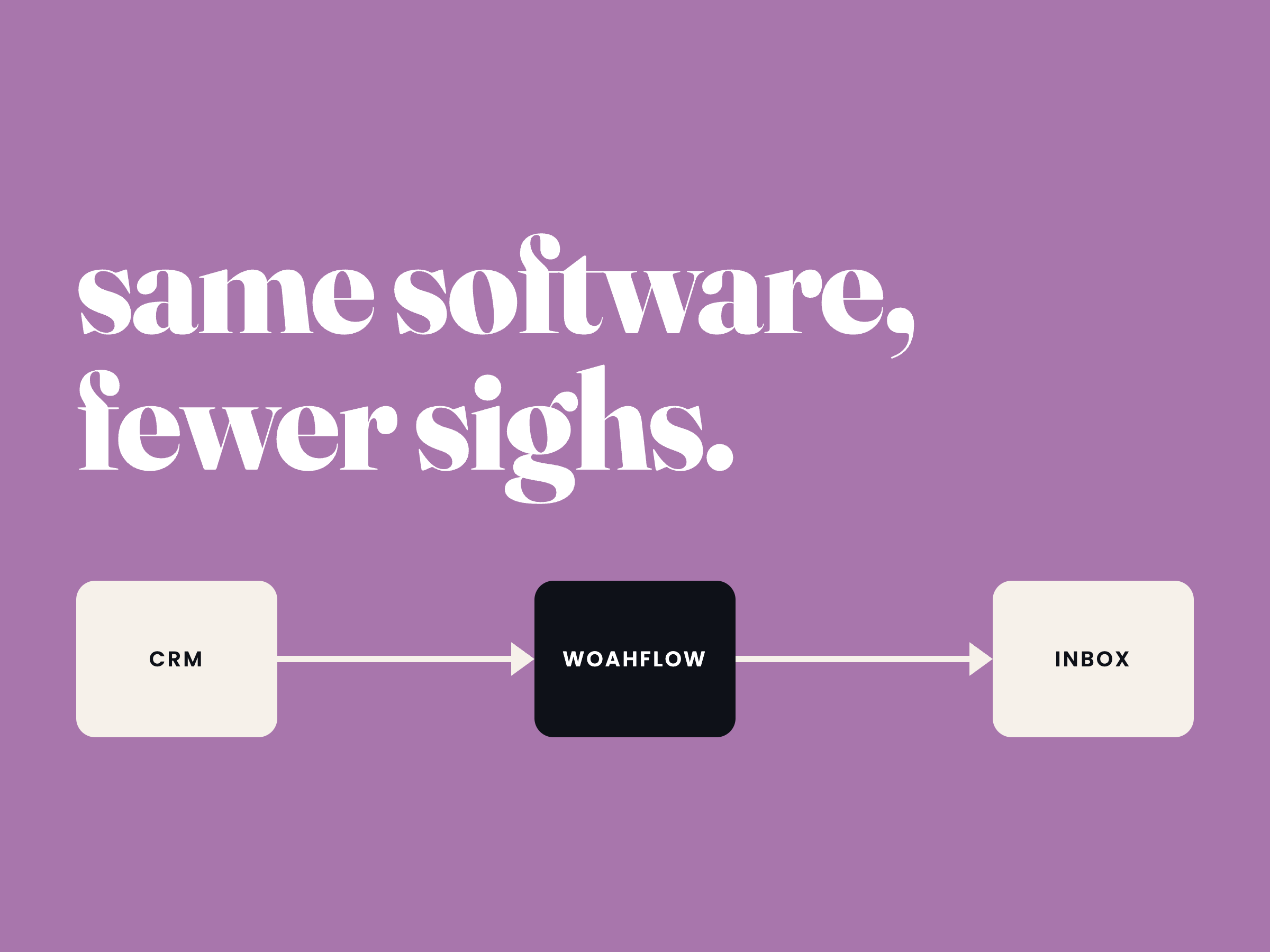
Short answer: almost always, yes. This is one of the first questions people ask once they start looking into workflow automation, and it makes sense — nobody wants to rip out the CRM, project management tool, or inbox they've spent years getting comfortable with just to save time on repetitive tasks. The good news is that automation is designed to work with your existing stack, not replace it. Here's how that actually works in practice.
Most tools already talk to each other
The tools you're already using — think HubSpot, monday.com, Google Workspace, Slack, QuickBooks, Mailchimp — are built with integration in mind, because they know you're not using just one piece of software. Two common ways this shows up:
Native integrations. Many platforms have built-in, one-click connections to other popular tools. If you use HubSpot and Slack, for example, you can usually turn on a notification flow between them without touching a single line of code or a third-party tool.
APIs. Almost every modern business tool has an API — essentially a set of rules that lets other software talk to it. You may never interact with an API directly, but it's what makes the next layer of automation possible.
The connector layer: Zapier, Make, and friends
Sometimes two tools don't have a native integration with each other, but they can still be connected through a middleman. This is where platforms like Zapier, Make, and n8n come in. Think of them as translators: Tool A sends information, the automation platform catches it, reshapes it, and hands it off to Tool B in a format it understands.
This is genuinely how most small business automation works. You don't need your CRM and your invoicing software to have been designed to work together — you just need a connector platform that already supports both (and the vast majority of popular tools are supported).
A few everyday examples:
- A new deal closes in your CRM → an invoice is automatically created in your accounting software.
- Someone fills out a website form → their details land in your CRM and they get added to an email nurture sequence.
- A task gets marked complete in your project management tool → a summary posts automatically to a team Slack channel.
When there's no ready-made connection
Occasionally you'll run into a tool that's more niche, or an internal system that wasn't built with integrations in mind. In those cases, automation can often still happen through:
- Webhooks — a way for one tool to instantly notify another the moment something happens, rather than waiting to be asked.
- Direct API calls — for slightly more custom or technical setups.
- Email or file-based triggers — a fallback that works even with older or more locked-down systems.
It's rarely a hard "no." It's more a question of how much setup is involved.
What to actually check before assuming it'll work
Before automating anything, it's worth confirming:
- Does the tool have a documented API or a listed integration on Zapier/Make?
- Are there any plan-level restrictions? (Some tools gate API access or integrations behind higher-tier pricing.)
- Is the data you need actually accessible, or does it live somewhere the tool doesn't expose?
These three questions catch the vast majority of surprises before they become a problem.
The takeaway
You almost never need to replace your existing tools to start automating your workflows — you need to connect them properly. Between native integrations, connector platforms, and APIs, the tools businesses already rely on can usually be linked together with far less effort (and far less disruption) than people expect.
Not sure whether your current tools can talk to each other, or where the disconnects actually are? That's exactly the kind of thing we help sort out — get in touch and we'll take a look at your setup with you.