
HubSpot vs. monday.com. How do they compare?

Victoria
HubSpot and monday.com get lumped together a lot, but they started life solving different problems, and for most businesses the real question isn't "which one wins" — it's "which one (or both) actually fits what I'm trying to do."
What each tool is actually built for
HubSpot grew out of inbound marketing software and has stayed CRM-and-customer-facing at its core. Everything revolves around contacts and deals: marketing automation, sales pipelines, customer service, a CMS — all built around knowing who your customer is and where they are in their journey with you.
monday.com grew out of visual project and work management — boards, workflows, task tracking. It's since expanded into a broader "work OS," with a range of verticalized products bolted on, including its own CRM (monday sales CRM), alongside project management, marketing, and dev tools.
Same starting question — "how do we run parts of our business more smoothly?" — but from opposite directions. HubSpot started with the customer and worked inward. monday.com started with the work and branched outward.
Where they genuinely overlap
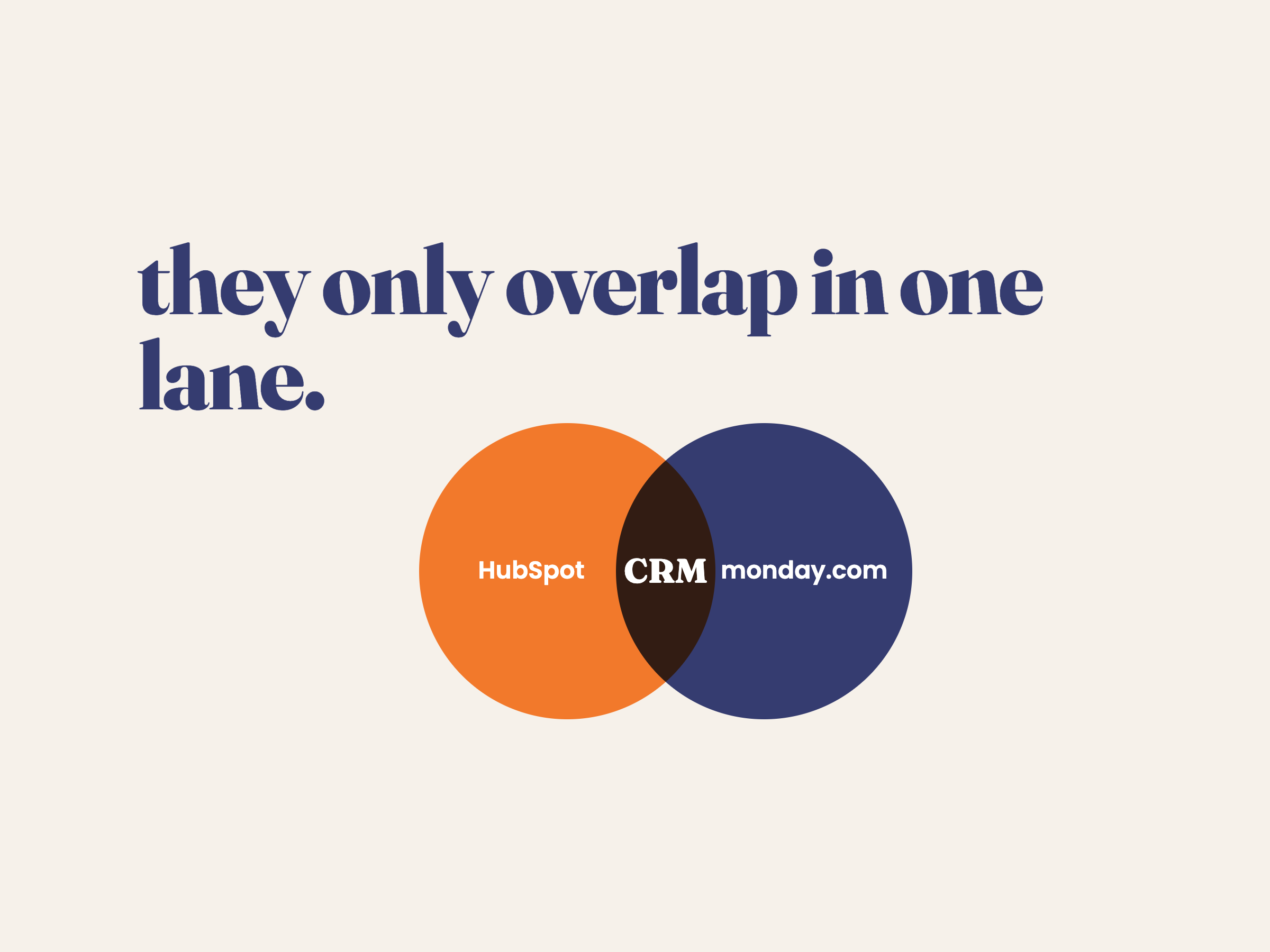
There's one place these two go head-to-head for real: CRM. If you're specifically comparing HubSpot's CRM against monday sales CRM, that's a fair fight — both offer pipeline management, contact tracking, and sales automation, both are accessible at reasonable price points for small and growing teams, and plenty of businesses genuinely cross-shop the two.
Where they're not competing at all
Once you step outside CRM, the two tools are usually doing different jobs — and often doing them together, not instead of each other:
- Marketing automation, email sequences, and a CMS — squarely HubSpot territory, no real monday.com equivalent.
- Visual project boards, cross-team workflow tracking, and flexible work management — squarely monday.com territory, not what HubSpot is built for.
- A lot of businesses run monday.com for internal projects and team workflows while running HubSpot for marketing and customer relationships — sometimes integrating the two so a deal closing in HubSpot triggers a project kicking off in monday.com.
That last point is worth sitting with: for a lot of teams, the real answer to "HubSpot or monday.com?" isn't a choice at all. It's both, connected.
A quick way to decide
| If you need... | Lean toward | |
|---|---|---|
| Marketing + sales + customer data in one place | Email campaigns, lead nurturing, a sales pipeline tied to marketing activity | HubSpot |
|
Visual project and team workflow management |
Boards, task tracking, cross-department workflows | monday.com |
|
Just a straightforward CRM, nothing fancier |
Contact and deal tracking without a big marketing suite attached | Either — worth a direct comparison |
|
Both marketing/sales AND project delivery |
The full range | Both, connected together |
The takeaway
HubSpot and monday.com only really compete in one narrow lane — CRM — and even there, plenty of businesses use both tools side by side rather than choosing one over the other. The more useful question usually isn't "which is the better tool," but "which job am I actually trying to solve" — and for a lot of businesses, that ends up being both jobs, with the two tools talking to each other.
Not sure whether HubSpot, monday.com, or both make sense for how your team actually works — or how to connect them if you're already using one of each? That's exactly the kind of thing we help figure out at WoahFlow — get in touch and we'll take a look at your setup with you.